Your first match
A little setup gives every point its context. Choose the two players, the match format, and how much detail you want to record.
- 1
Start with the players
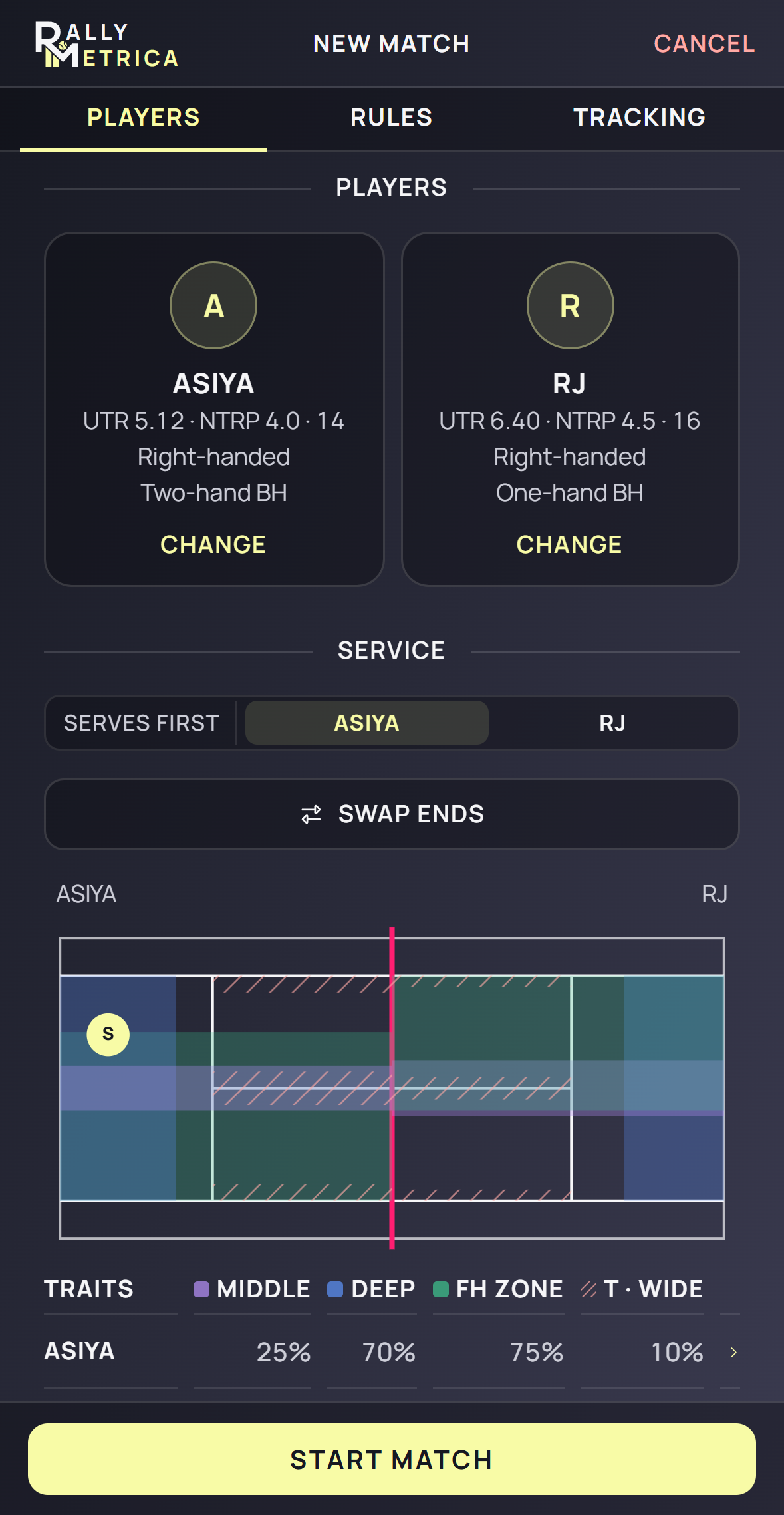
On Home, tap New match. In Players, tap Choose in each slot. Select two different players from your roster, or tap + New player and save a new player.
- 2
Set the opening serve and ends
Choose who Serves first. Use Swap ends if the other player should start at the near end of the court.
- 3
Choose the rules
Open Rules and select the format you are playing, such as Best of 3 · TB, Best of 3 · full, or Fast4. Check the format before the first point.
- 4
Choose your tracking level
In Tracking, choose Score, Counter, or Detailed. Score keeps the point winners; Counter adds shots and endings; Detailed records landings on the court.
- 5
Start the match
Optionally set Surface, Court, and Use location and weather. Both players are required, but weather is optional. Tap Start match to open the live court.
Good to know
- Setup opens with your saved default rules and tracking level.
- If you adjust a player’s zone traits during setup, those changes apply to this match only.
- You can start without waiting for weather.
Keep exploring