Read Placement
Placement is the Detailed match’s page: where did the balls go, and what came of it? It is two views of the same landings — a table that reads the zones as rows, and a court that shows every ball as a dot — and both read through the player’s own zones, so a “deep” ball is deep for this player.
- 1
The five tabs
Five tabs — Depth (Deep · Mid · Finish), Width (Channel · Crosscourt · Down the line · Angles), FH zone (From my FH zone · Into their FH zone · Serve +1 · Return +1), Lanes (when Lanes is on in Settings) and Serve (T · Middle · Wide). The rows are that tab’s zones, as drawn on each player’s profile — the Zones guide says where the lines are and why they are the player’s.
- 2
One measure at a time
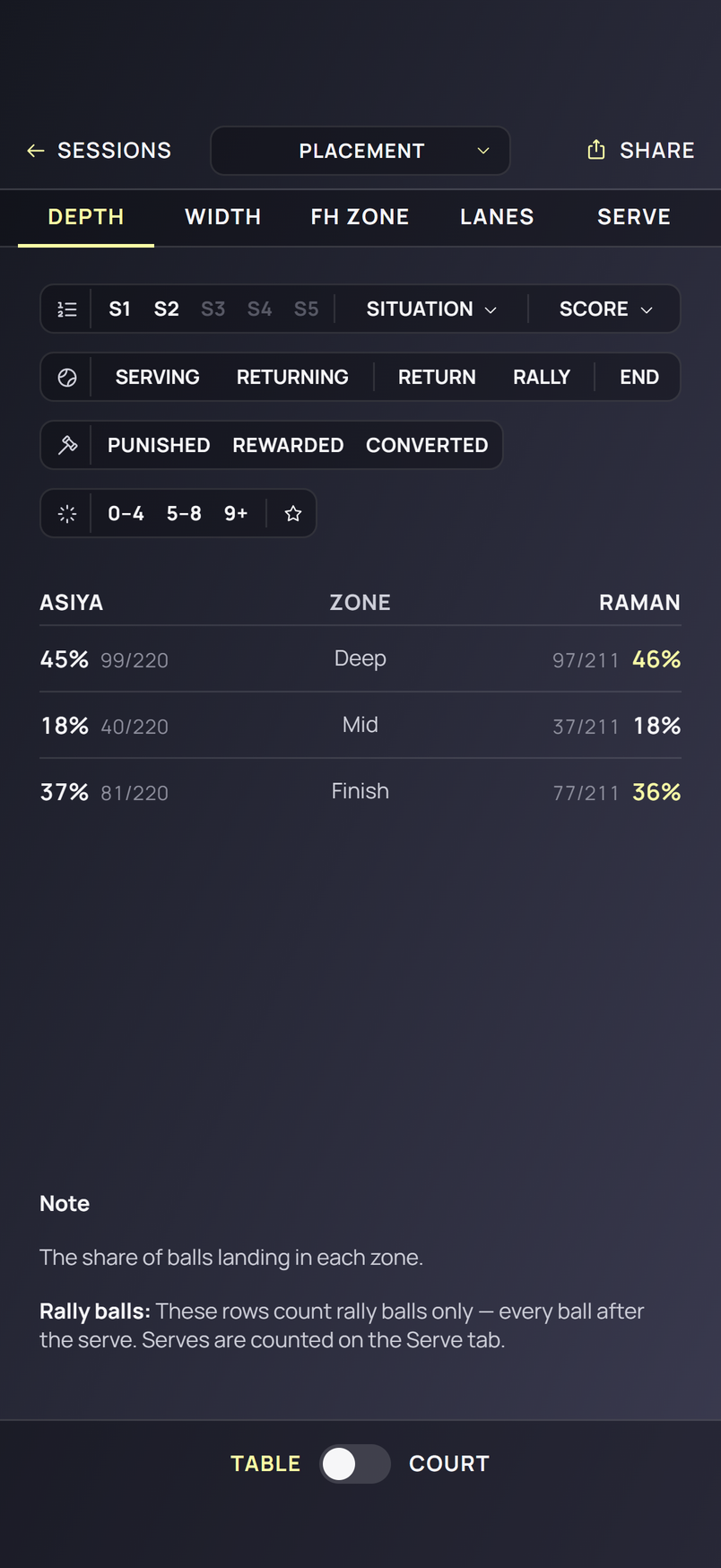
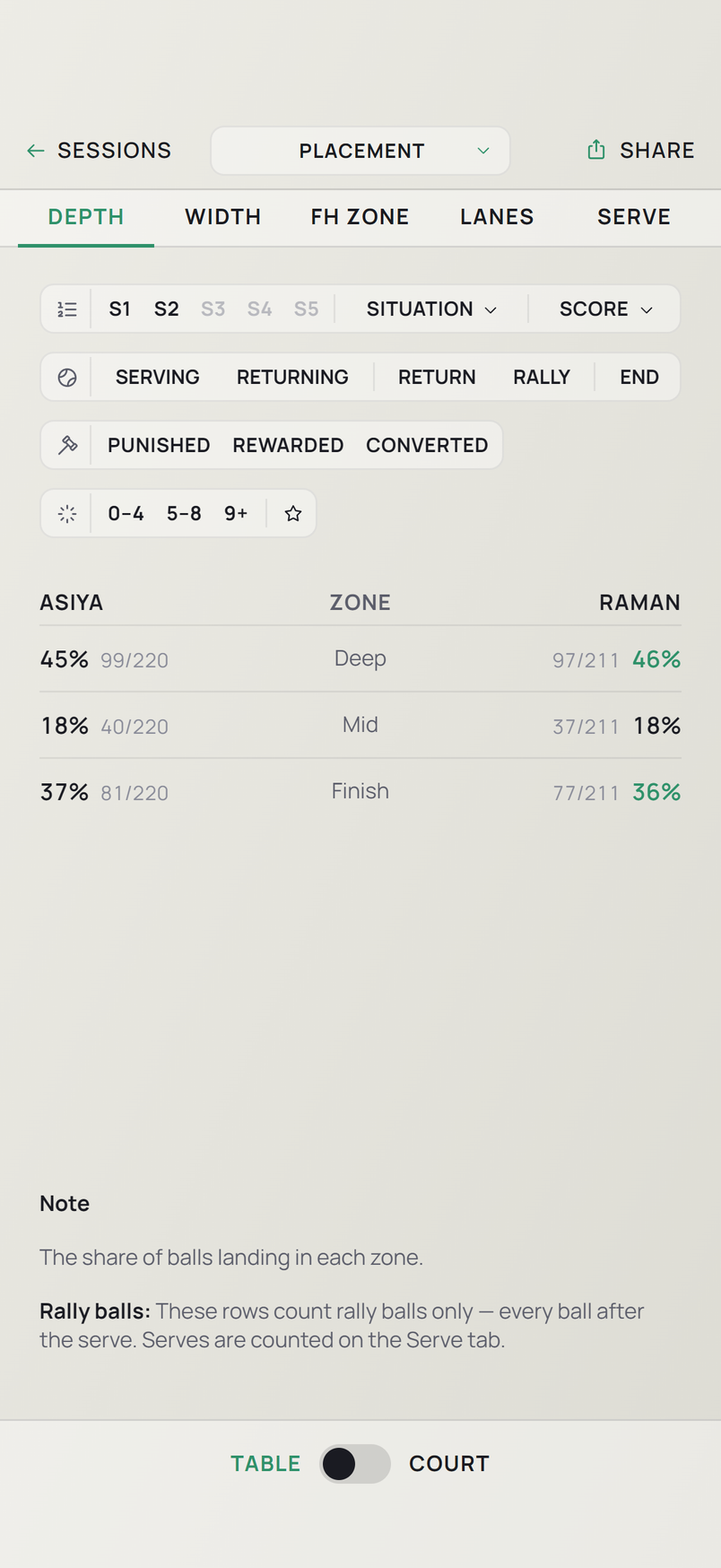
The track picks one measure for all the rows. With nothing lit the rows read Balls: the share of a player’s balls into each zone — every ball after the serve, the return included; the serve has its own tab. Punished: the player gave the opponent an attackable ball there — how often did they then lose the point? (Mid and Finish only.) Rewarded: the player played there on purpose — how often did they then win? Converted: the player hit from inside their own zone — how often did they then win? (Depth only.) A note at the foot says in a sentence what the table is showing.
- 3
Three readings worth knowing
A deep share under 40% is the depth problem Aggression calls Punished. From my FH zone under 60% is a player who is not running around the backhand. Into their FH zone high is feeding the opponent’s strength. On Serve, a serve that is nearly all Middle is one the returner never has to move for.
- 4
Flip to the court
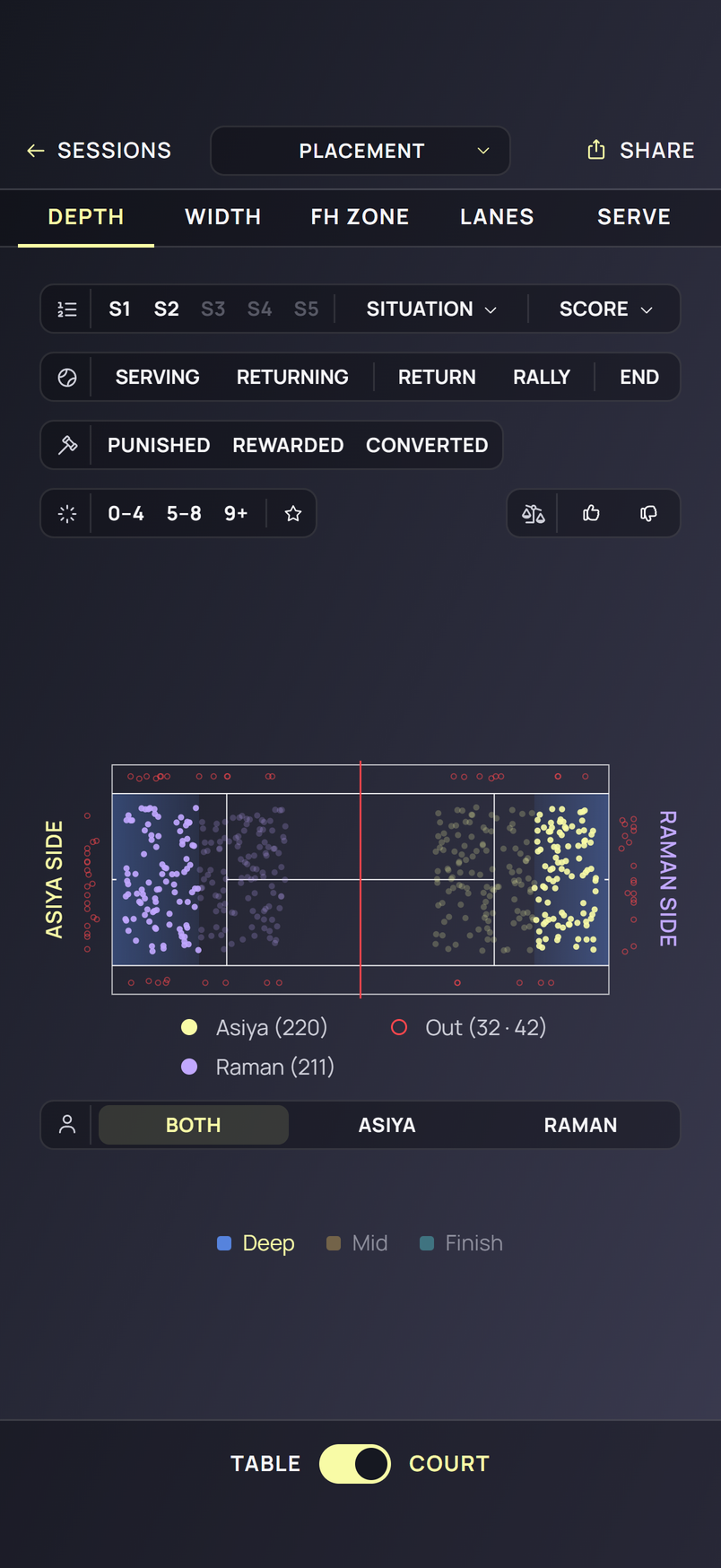
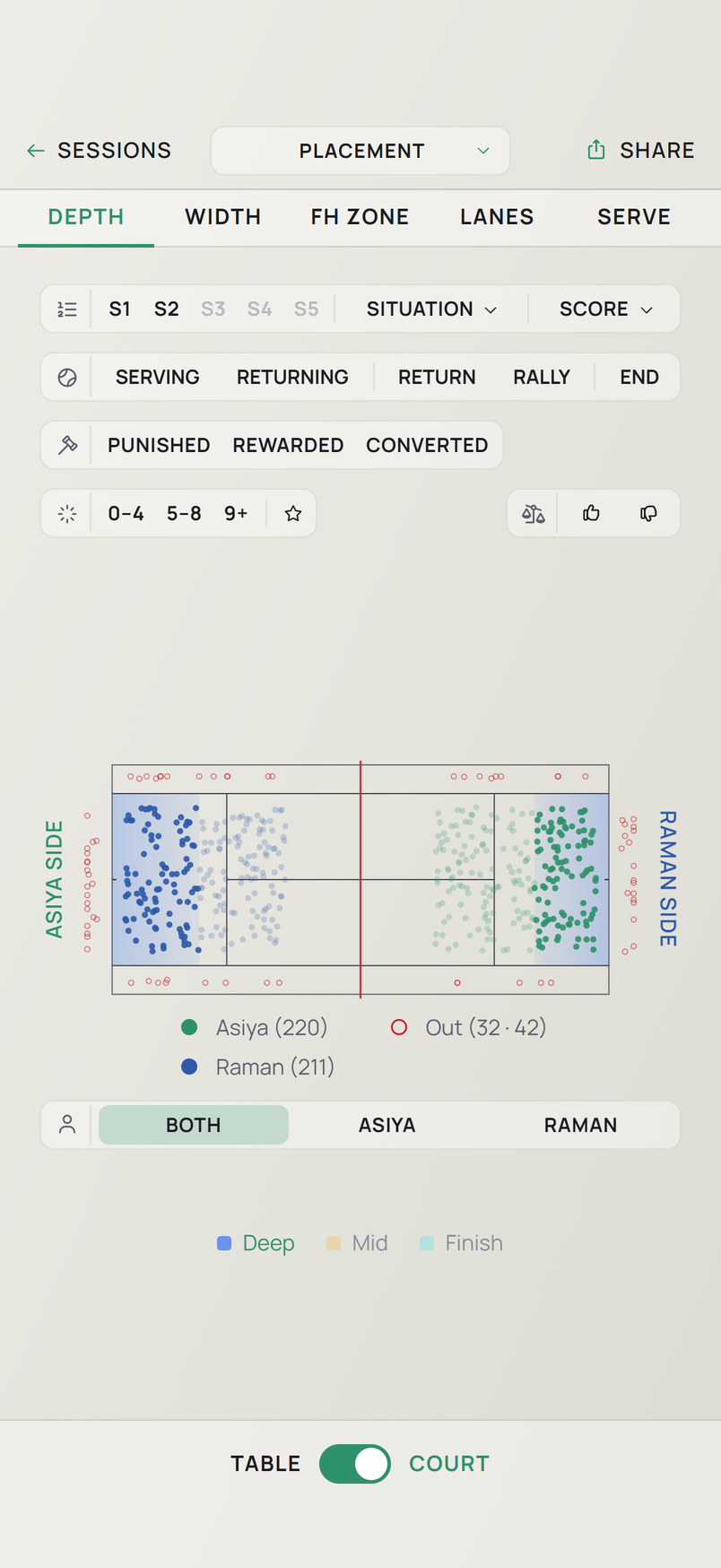
The switch in the footer flips Table to Court: every landing as a dot, with two rows of chips under the court. The ball chips mark the balls the zones define — Crosscourt ●, Down the line ◆, Angles ▲, From my FH zone ▼, Serve +1 +, Return +1 ✕ — and a ball that is two things wears both. The zone chips light a band in the zone’s own colour and keep only the dots inside it: Deep raises the blue bands at both baselines; on Lanes the dotted quarter lines divide each half and a lit lane turns green.
- 5
One player or both
One player lit shows their dots alone; both lit shows each player’s zones on the half their balls land on. A cluster of dots short of the deep band is the picture behind a low deep share; a column of dots down the middle is the picture behind a high Channel share.
- 6
Ask the set
Try the Set filter: the same court for set 1 and set 3 can show a player who stopped going for the lines when the set got close, and the table recomputes with it — a deep share that falls from 48% in set 1 to 31% in set 3 is the depth leaving as the match got tight. Momentum’s swing says which set to look at.
Good to know
- Detailed matches only — Placement reads the landing of every ball. Counter and Score matches have no page.
- A match keeps the zones it was played with; changing a profile later never alters an old report.
- The PDF carries one Placement sheet per tab, with the landings after them.
- A rally session reads the same page; a co-op reads Rally · End, one at a time, with no points to win.
Keep exploring