Record. Analyze.
Improve.
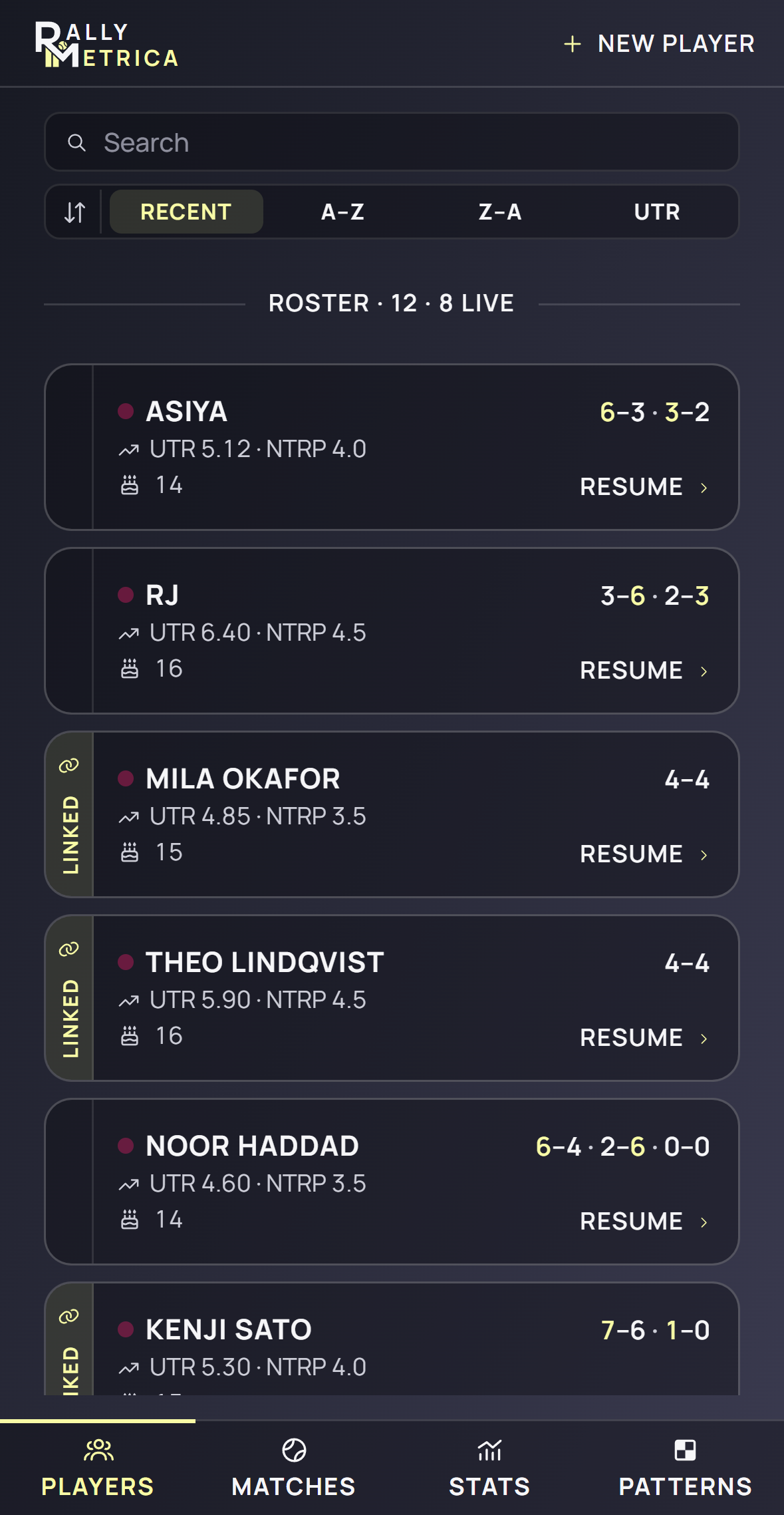
Tap the points as they are played. Rallymetrica turns them into a match report, a replay and a season of stats.
Your match. Live on your coach’s phone.
Link once by scanning a code. From then on every point you save reaches your coach as it lands, with a notification every set, game or point — their choice.
It’s your data. You own it. ↗Matches live on your phone. Sharing is end-to-end encrypted.

The score, the shots and the rallies — recorded from the side of the court, one tap per ball.
The game, in focus
More understanding.
From every match.
A simple way to record. A deeper way to look back.
Record your game
Be there for every point.
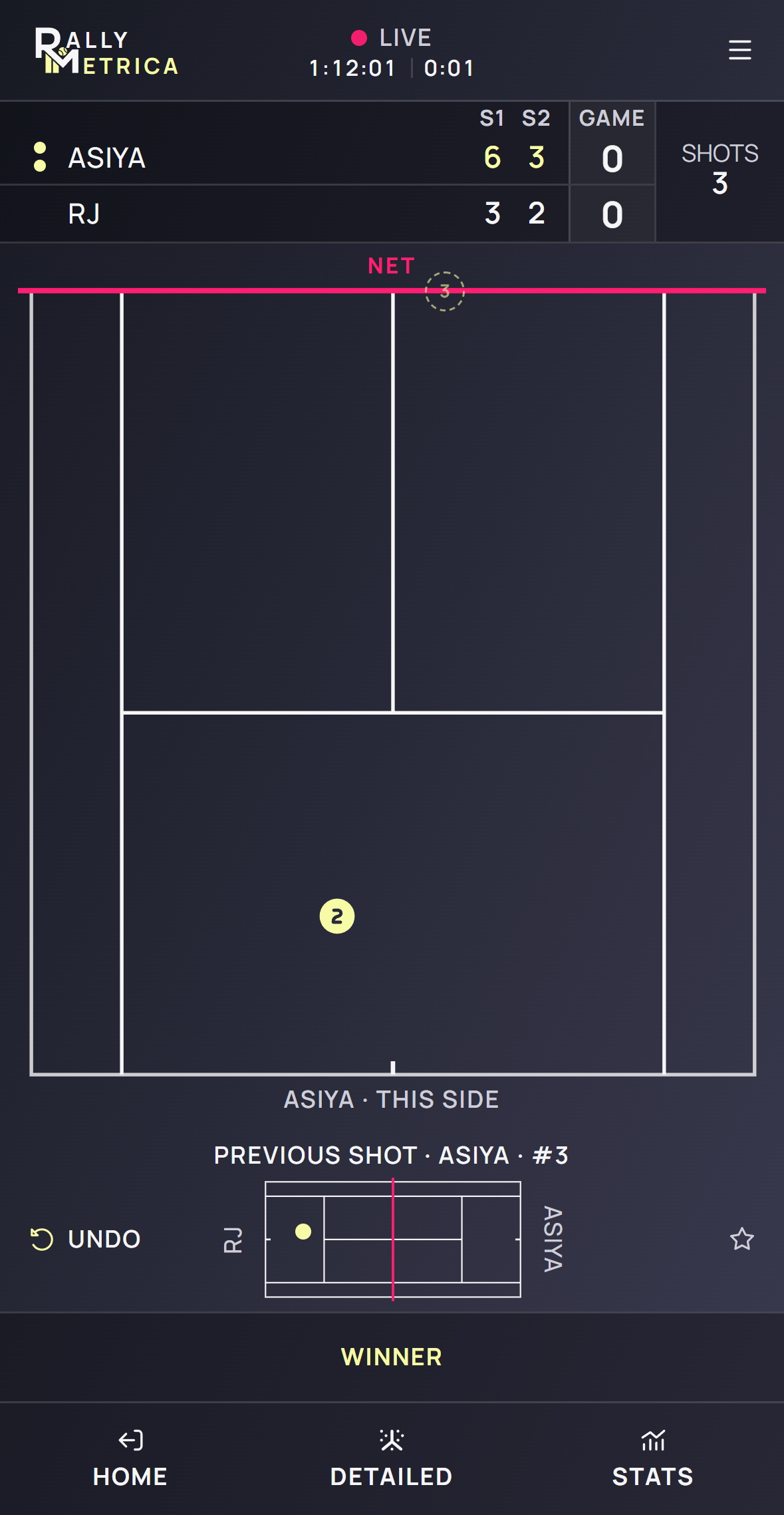
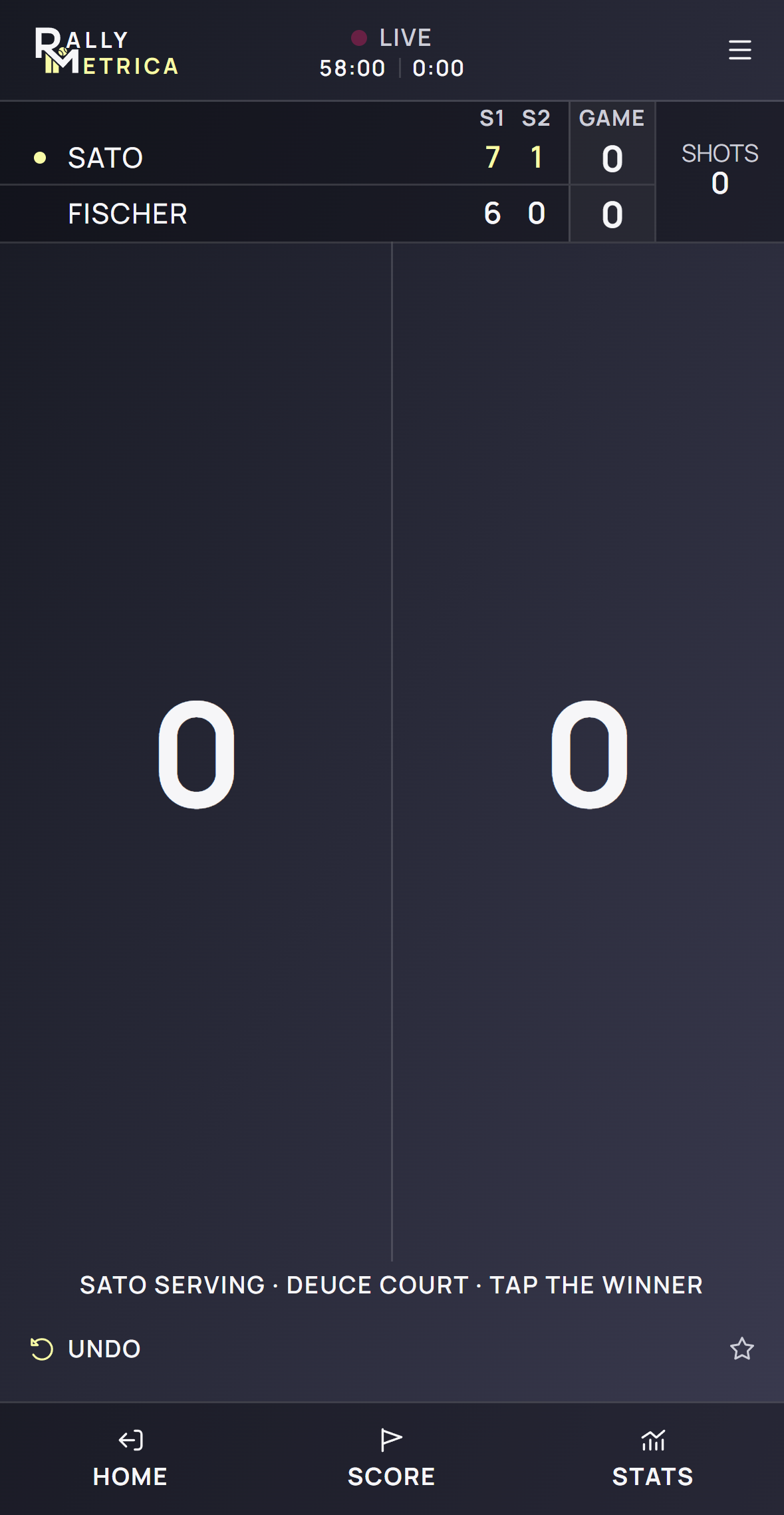
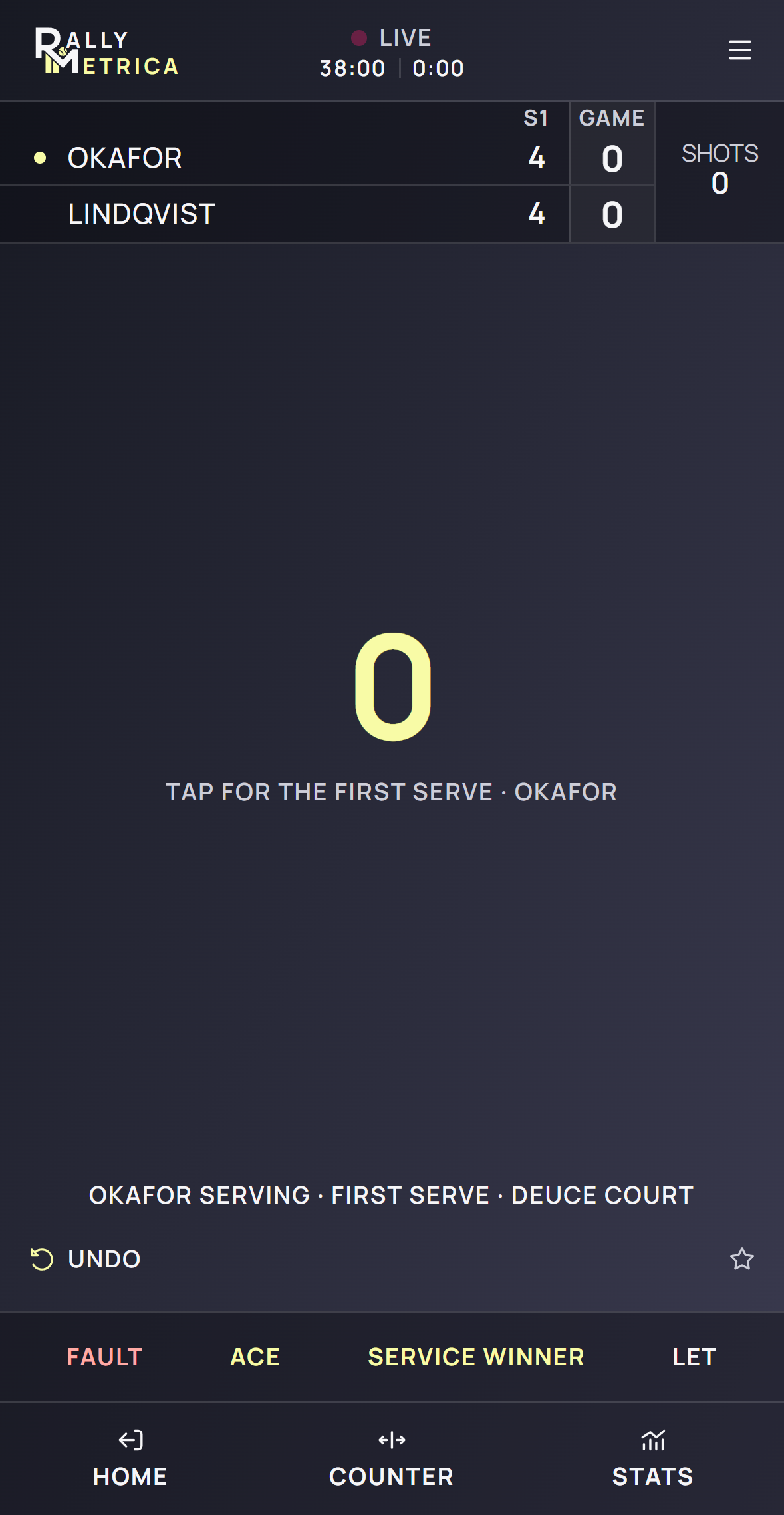
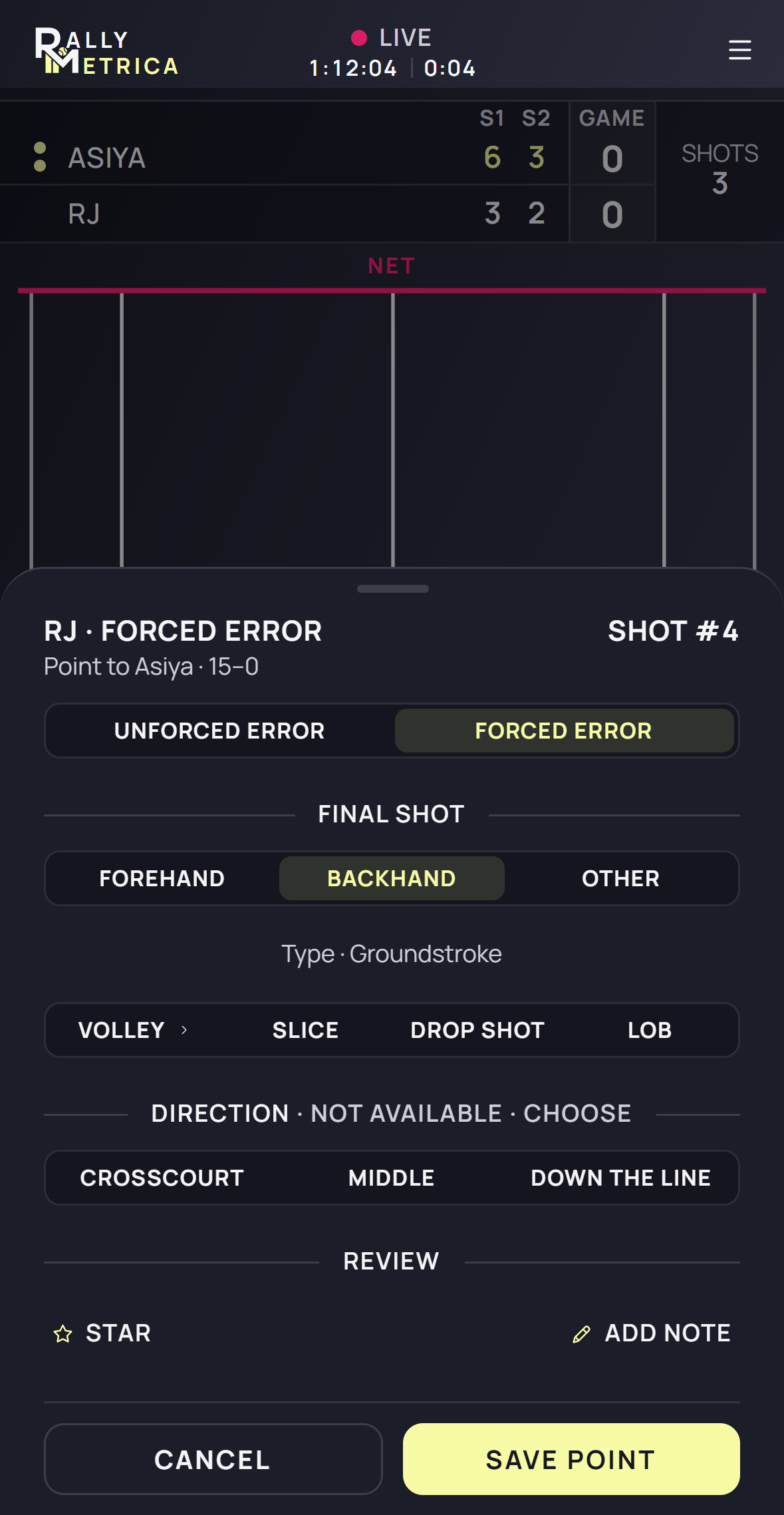
Keep the score, count the rally, or tap every landing. Choose the detail that fits the match, with undo and resume when you need them.
- Three levels of tracking: Score, Counter, Detailed
- Live scoring and point endings
- Undo, leave, and resume
Player and coach, connected
Coach the player.
Follow the match.
Link the two phones once. Then follow your students’ matches live on your own phone — up to 5 on Coach, 25 on Academy — with the score, the stats and the recorded rallies.
Connect
The player opens Settings → Coach link to show their Rallymetrica code. The coach scans it from Settings → Students → Add student, and the player taps Link. Their profile, match history and any match in progress arrive on the coach’s phone.
Follow
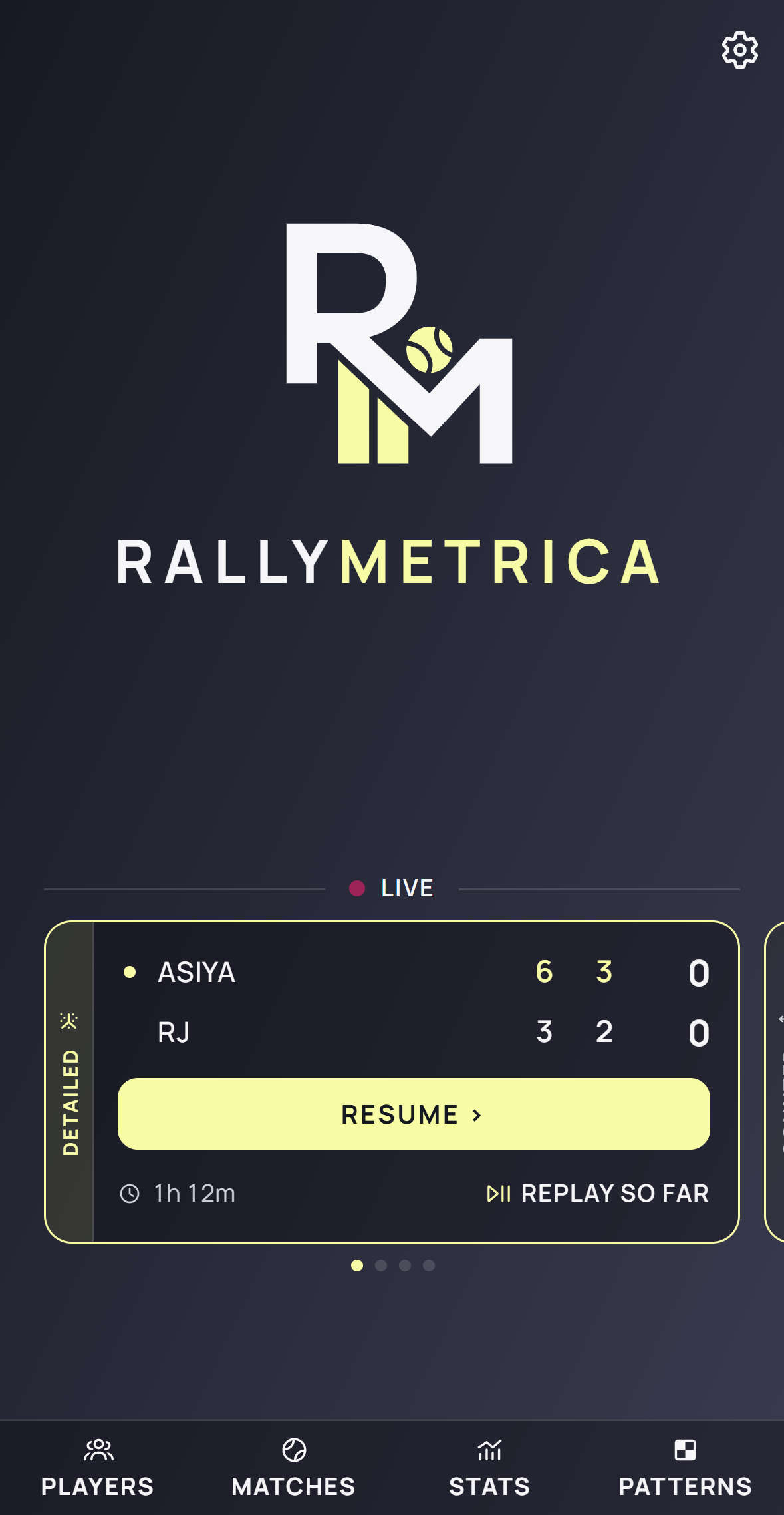
From then on every point the player saves reaches the coach as it lands — in the background, with a notification every set, game or point, set per student. Open the live card for the score, the report so far and the replay.
Points sent while a phone is offline queue up and arrive in order when it reconnects.
Patterns of play
Create the plan.
Measure the execution.
Create a sequence, assign it to players, and see how it was executed on court.
Create patterns
Draw your pattern of play.
Turn a coaching idea into a sequence on the court. Start from a blank court or a template, then draw the landing zones you want your player to target.
- Name the pattern and draw two to four ball landings
- Adjust the landing balls and shot sequence
- Save the pattern in your coaching library
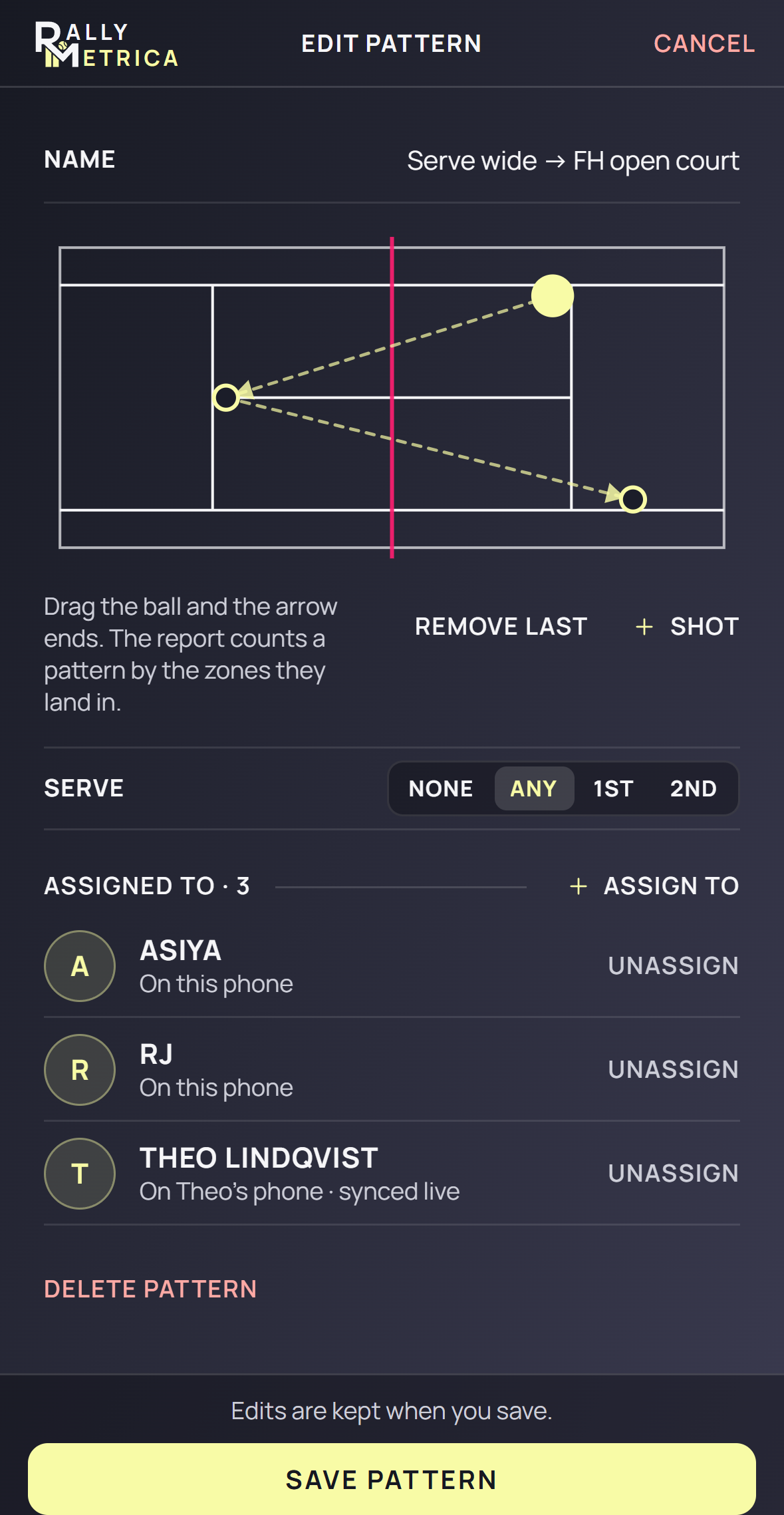
Turn the plan into a sequence your player can follow.
Plans
Free to start.
Pay for the detail.
Every plan scores every match. Player adds detailed tracking and the full stats engine; Coach and Academy add the roster — five students or twenty-five. Each with a 7-day free trial through the App Store.
Free
Free
No account, no card
- Score every match, point by point
- Two detailed matches to try: shots, landings, replays, the full stats report
Player
$69.99a year
or $6.99 a month · 7-day free trial
- Detailed match tracking: shots, landings, replays
- Full stats engine with momentum and aggression
- Link to a coach: they follow your matches live and assign play patterns
Coach
$99.99a year
Up to 5 students · 7-day free trial
- Every player you coach in one roster — link your students and their matches arrive live
- Full stats engine: not only per student, but compared across students
- Draw play patterns, assign them, and track how often each one is played and won
- Notifications per student: live scores by set, game or point; match start and end
Academy
$199.99a year
Up to 25 students · 7-day free trial
- Everything in Coach, for a full academy roster
- Twenty-five linked students, each with their own live-score setting
- Upgrade from Coach any time; nothing is unlinked by a plan change
Subscriptions renew through the App Store and can be changed or cancelled any time in Settings › Plan. Your matches stay on your phone whichever plan you are on.
01 /
Saved on your phone
Your recorded match history lives locally on your phone. A linked coach receives read-only copies on theirs. You choose whether to share.
02 /
Encrypted between you
Shared match content is end-to-end encrypted. The linked phones hold the keys to read it; the delivery service cannot read your match content.
03 /
Unlink whenever you choose
Unlinking stops new sharing. Once the coach’s app is online and receives the unlink, it removes match copies received through that link. Your original recordings remain on your phone.
To deliver updates, a relay queues encrypted messages and keeps device and connection details. Messages are removed after retrieval.
Unlinking does not remove matches recorded independently by a coach or copies already exported or shared outside the link.
The stats engine
Every number,
defined.
Nothing is estimated. A metric exists only when the points behind it were recorded, and each one is written down: what it needs, and how it is counted.
Momentum
The chance of winning the match after every point, from the exact score — and the swings that moved it most.
02 /Aggression
Points built — winners, aces, errors forced — against points given away, as a signed margin and an efficiency.
03 /Pressure
Break points, 30–30, deuce, set and match points, breaks consolidated and broken back. Twelve rows, each read before the point.
04 /Patterns
Attempts, completions and the points won after a completed sequence, from the landings you tapped.
Learn Rallymetrica
Less guessing.
More playing.
Start with your first match. Then learn to read the moments, metrics, and patterns behind your game.
Explore the guidesYour next match, with more meaning
Know your game.
One point at a time.
Rallymetrica is coming to the App Store. Explore what it can do and get familiar with the court before your first match.
A few things to know
Good questions.
Clear answers.
Where can I get Rallymetrica?
Rallymetrica is in beta on TestFlight ahead of its App Store release. When it launches, this website will link directly to its Apple listing. You can explore the features and guides here in the meantime.
What does it cost?
Rallymetrica is free to download. The Free plan scores every match and includes two detailed matches to try. Player ($6.99 a month or $69.99 a year) adds detailed tracking on every match, the full stats engine and the coach link; Coach ($99.99 a year, up to 5 students) adds the roster, play patterns and per-student notifications; Academy ($199.99 a year) is the same with room for 25. Every subscription starts with a 7-day free trial through the App Store.
Do I have to track every shot?
No. Choose Score to record point winners, Counter to add point endings, or Detailed to tap every landing. The insight available afterward depends on the detail you record.
What are momentum and aggression?
Momentum shows who was ahead as the match went on and where it swung. Aggression shows how: points built — aces, winners and errors forced from the opponent — against points given away — unforced errors, double faults and errors off a sitter. The report shows the margin and the efficiency game by game, and Stats tracks both across a season.
How are the numbers calculated?
Every statistic comes from the points you tapped, under the rules of the match — nothing is estimated from video or sensors. The stats engine reference lists each metric, the tracking level it needs and exactly how it is counted, from break points saved to the aggressive margin.
Read the stats engine referenceDoes rally replay show video?
Replay animates the point data recorded in the app. It is not a video recording. Detailed tracking captures the court placements needed to show full rally paths.
Can I correct a point or leave a match unfinished?
Yes. Undo reverses recorded actions, and a live match remains available to Resume when you return to the app.
Can my coach follow my match from their phone?
Yes. A player shows their code in Settings → Coach link; the coach scans it in Settings → Students → Add student, and the player taps Link. From then on every saved point reaches the coach’s phone as it lands, with a notification every set, game or point — the coach chooses. Points sent while a phone is offline queue up and arrive when it reconnects.
Where is my data stored, and is sharing encrypted?
Your matches are stored on your phone, never in a cloud; a linked coach receives read-only copies on theirs. Everything sent between the two phones is end-to-end encrypted — the relay only passes sealed envelopes along and keeps the device and connection details needed to deliver them. A backup you save under Settings → Data is a file you keep.
Read the privacy policyWhat happens when I unlink my coach?
New sharing stops on your phone. Once the coach’s app is online and receives the unlink, it removes match copies received through that link. Your original recordings remain. Matches the coach recorded independently and copies already exported or shared outside the link remain too. Pausing a link stops updates and keeps received copies.
Can a coach assign patterns and track their success?
Yes. On Coach, draw patterns of play and assign them to linked players. Include up to three patterns per player in Detailed match setup. The Patterns report shows how often each pattern was played and how often those points were won. Results come from the recorded court landings.
Where should I start learning?
Start with Your first match in the Learn section. Next, compare the tracking modes, then follow the live tracking and match report guides.