Rally sessions: a game with a score
A VS rally session is the competitive drill: points played for a score, without a match’s length or its scoring ladder. The court, the taps and the report are the match’s; what changes is the format — a tally in blocks, a rotation that says who starts each rally, and a choice of serve or feed. Sessions are on the Player plan and up; on Free they are shown locked.
- 1
Open the Rally page
The Sessions tab has three pages — Matches, Rally and Serve — each with its live rail, its finished list and its filters. On Rally the filters are the player, Any partner, the mode track All · VS · Co-op and the time window; the header action reads + New rally. A finished session’s card opens its report; a live card’s Resume goes to the court.
- 2
Set the format
Choose the two players, then the Format presets: First to 11 · 15 · 21, Timed 10 or Open, with the lit preset’s details beneath. Blocks (one to five): each block is a race to the target, and the session goes to the player who takes the majority — three blocks to 11 is a practice set. Start (Serve or Feed). Serves (2 or 1) appears on a serve start: one serve is the second-serves-only drill, where a fault loses the point. Rotation (Alternate · Every 2 · Every 3 · Winner · Loser) says who starts the next rally, and the app keeps every rally’s starter without a tap from you. These are rules: fixed once the session starts, like a match’s. Tracking is always Detailed.
- 3
Choose serve or feed deliberately
A serve start plays the serve as a match does — two serves or one, lets replayed, the side alternating with the count — and the report keeps its Serve and Return pages, the serve zones and the serving · returning filter. Use it to put the serve under pressure, or to drill a pattern that starts with a serve. A feed start records nothing until the receiver’s first ball; a bad feed is simply fed again, no point. The report then has no serve facts at all — no Serve or Return page, no serving · returning track, no serve or return balls on the landing maps. Use it when the drill is the rally and the serve would only add noise.
- 4
Play it like a match
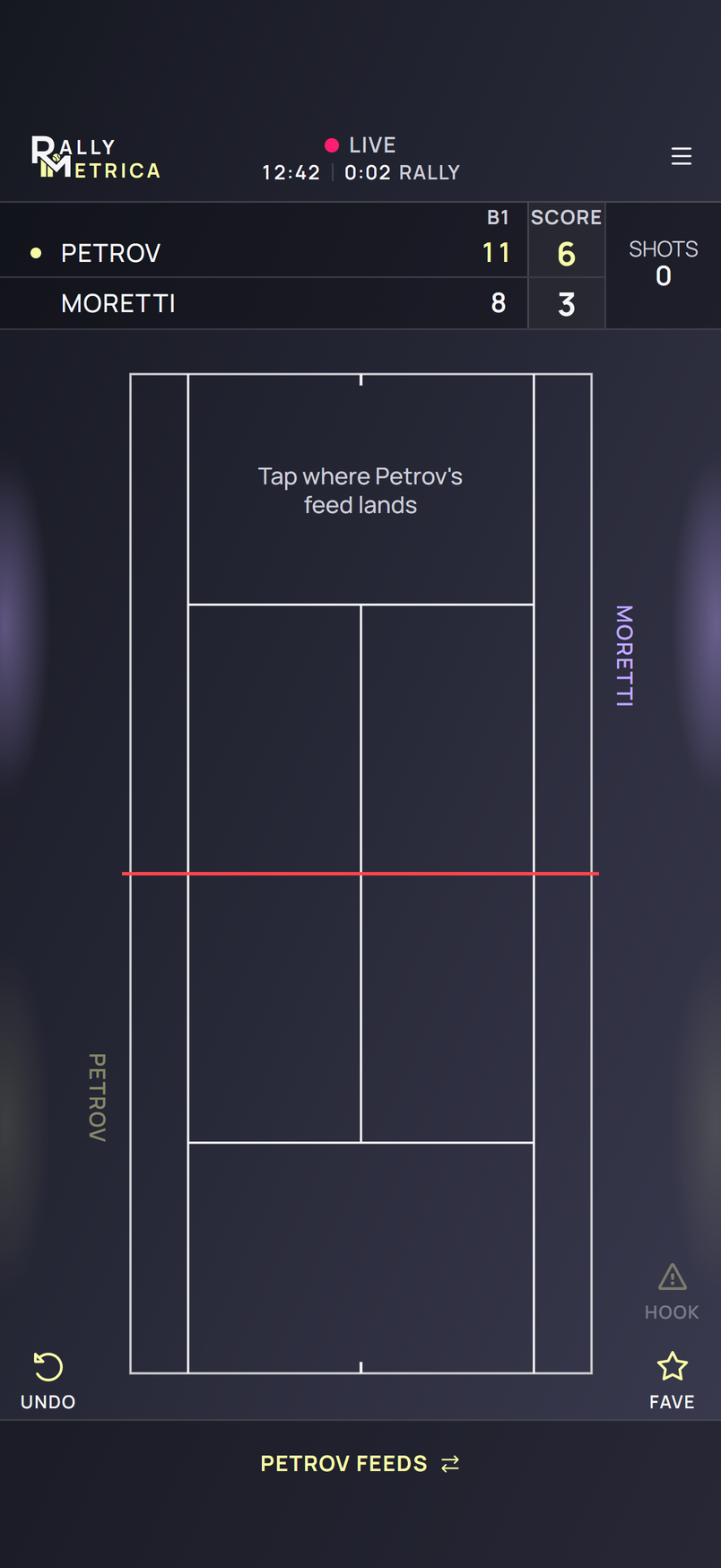
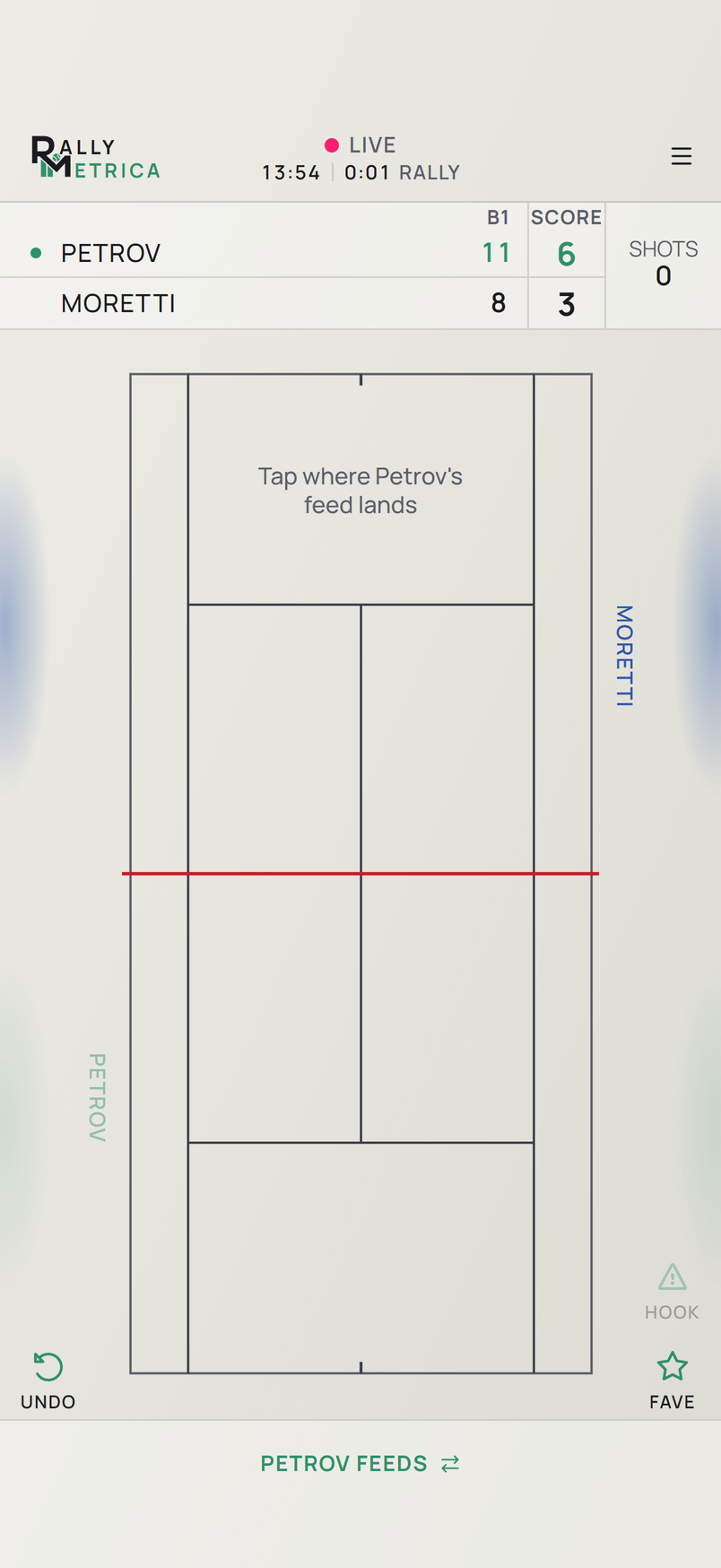
The live court is the match court — Full or Half court from the menu, drawn from your seat. A rally session does not change ends by itself: when the players change over between blocks, tap Swap ends and the court turns with them. One rally is one point: tap the landings, the ending, Save rally; Undo as usual. The board shows finished blocks as B1 · B2 columns and the open block’s tally under Score; the dot marks who starts the next rally. A block announces itself when it is won — Block 1 to Asiya · 11–8 — and the session ends on its blocks, its clock, or End session from the menu. A session that ends level — the clock running out at 9–9, or an open game ended from the menu — is a tie: no winner. A linked coach receives it live, with a notification at its start and end.
- 5
Read the cover and Momentum
The cover shows the tally per block, then Mode · Format · Start · Length — the standard the numbers are judged against. Momentum here is a race, not a tennis score: the curve is the chance of reaching the target first from the current tally, with the rally-win rate learned from the session itself. So 3–0 in a race to 11 barely moves it, and 9–9 is where every rally is worth a tenth of the block; a timed session reads the chance of leading when time runs out. The starred swing marks the run that turned the block; tap it to compare the stretches either side — rallies played, win chance, winners, errors. Switch Points → Aggression under the legend to see form: who had been building more than giving away over the last dozen rallies.
- 6
Read the tables
The report is the match report with blocks in place of sets: Aggression, Points, Placement, Patterns, Timeline, and Serve · Return on a serve start. What a tally cannot hold is absent: no Pressure page, no break-point row, no Situation or Score filter — the block track B1 · B2 stands alone at the top, and each page keeps its own tracks (serving · returning, rally length, starred rallies). Read them as you would a match — see Read the match and its page guides — with one difference worth using: a rally session is the place to test one thing, so put the filter on before you read. Points under 9+ says whether the long-rally drill is being won; Serve on a Serves · 1 session is the second serve under real pressure, with a missed serve reading Fault everywhere and no Return page.
- 7
Compare sessions
Sessions are not charted on the Stats tab; a session’s trend is in its own report. Compare two sessions by opening both covers: the same format, the same start, the tally per block. Assigned patterns count on a rally session as on a match, and a session is the cleaner test — fewer rallies, one opponent, the drill you chose.
Good to know
- On a one-serve session a fault loses the point and reads Fault everywhere — on the court, the Serve page, the Timeline, the replay and the PDF; the Serve page keeps 1st serve in · points won · Aces · Service winners · Faults · the zones, and there is no Return page.
- A VS rally takes a focus pattern in setup like a Detailed match; the Patterns page reads attempts and points won.
- Rotation is a rule, not a control: the court has no serve · feed switch, the dot already says who starts.
- A session that ends on its blocks or clock says so on court; stopping early is End session from the menu, and the tally is kept.
Keep exploring